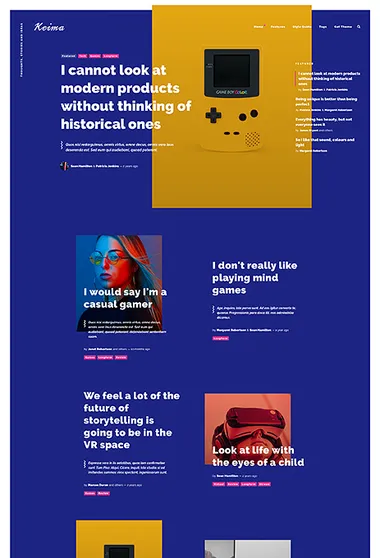
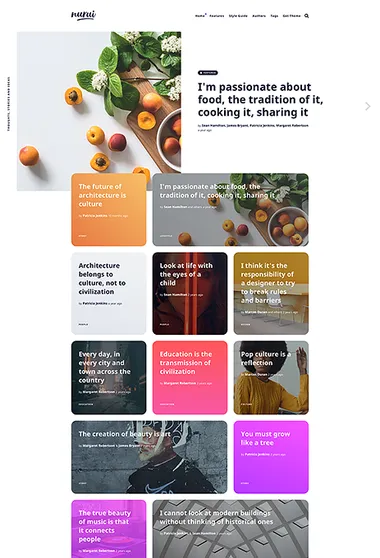
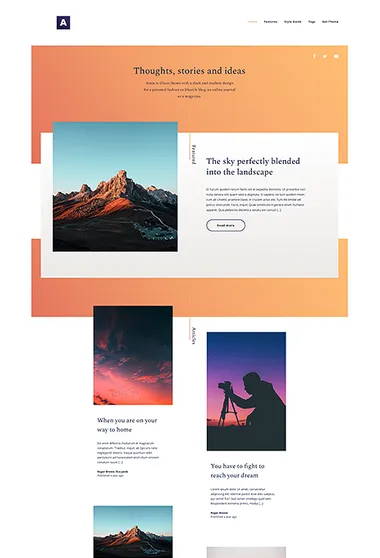
Ghost themes for courses
Teach in the order that makes sense. Choose a guided lesson sequence or a broader library of subjects and resources.
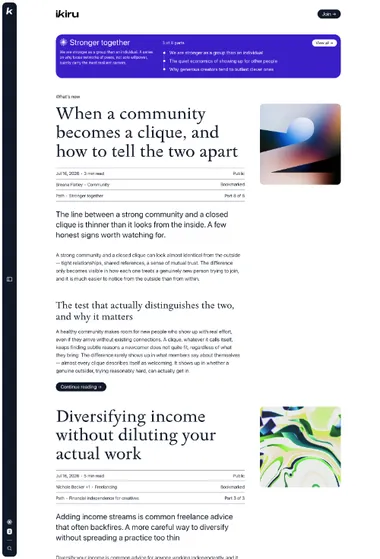

A course takes shape before the first lesson opens. It may follow one guided sequence or let learners move through a broader library of subjects and resources.
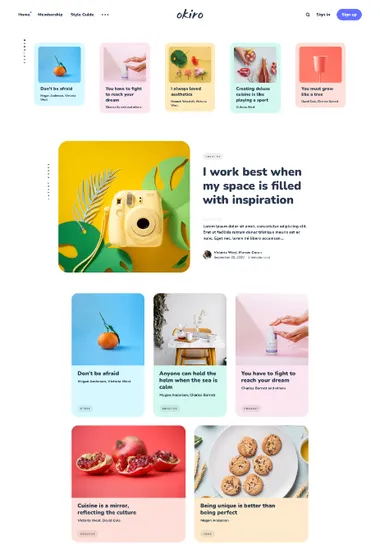
Ikiru. Make the lesson order visible. Paths gather related articles into a sequence and keep the learner’s next step close.
Each Ikiru Path can have its own introduction. Lessons follow publication dates, with the oldest or newest shown first according to a setting shared by all Paths. Learners can see where to begin, how much material lies ahead, and what follows the current lesson. The homepage may present one substantial Path map or several compact entrances to separate courses. The calm, text-centered layout keeps the sequence prominent.
That orientation remains available during study. The side panel shows Path descriptions and lesson order beside the current page. Longer lessons may add a table of contents and reading progress, while browser-based bookmarks let learners set material aside. The course overview and the individual lesson use the same visible sense of place.
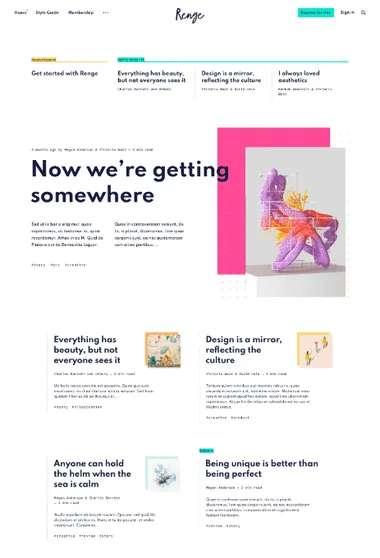
Tozan. Build a course as a library. Topic sections gather lessons and supporting resources while readers choose the subject they need.
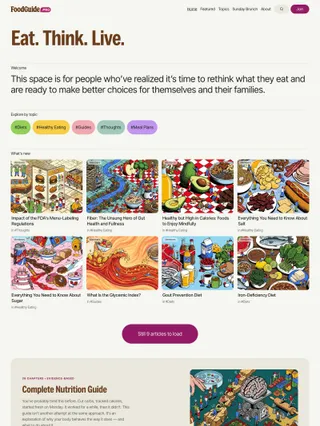
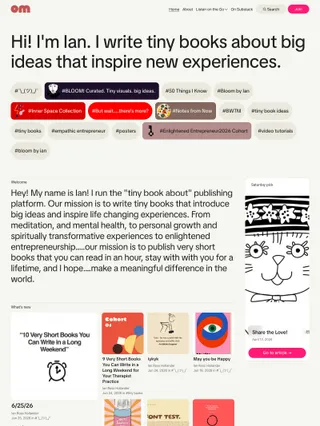

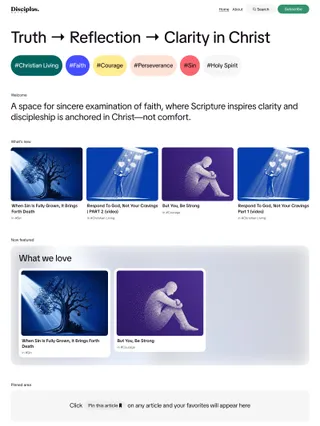
Tozan organizes learning around subjects instead of one compulsory lesson order. A Welcome section can explain the offer, topic navigation exposes its main fields, and curated homepage groups keep lessons beside their supporting resources. Changes in card scale distinguish foundational material from recent additions and smaller references.
Within a lesson, an optional table of contents and reading progress can provide local orientation. Saved reading and flexible membership presentation support a library that mixes public and protected material. Learners choose a subject and build their own route through it.